Google’s inaugural foldable has finally landed, and early reactions are already polarizing. On paper, the Pixel Fold marries Pixel-grade cameras and software smarts with a book-style form factor. In real life, it’s a device bursting with promise yet peppered with quirks that remind us foldables are still a work in progress. I’ve spent my first 48 hours flipping, tapping, and pocket-testing the handset in every scenario from morning commute to couch-bound streaming binge. Here are the eight stand-out highs and lows that shaped my first impressions—and might help you decide if Google’s pricey newcomer deserves a spot in your pocket.
1. Outer Display Nails the Everyday Experience
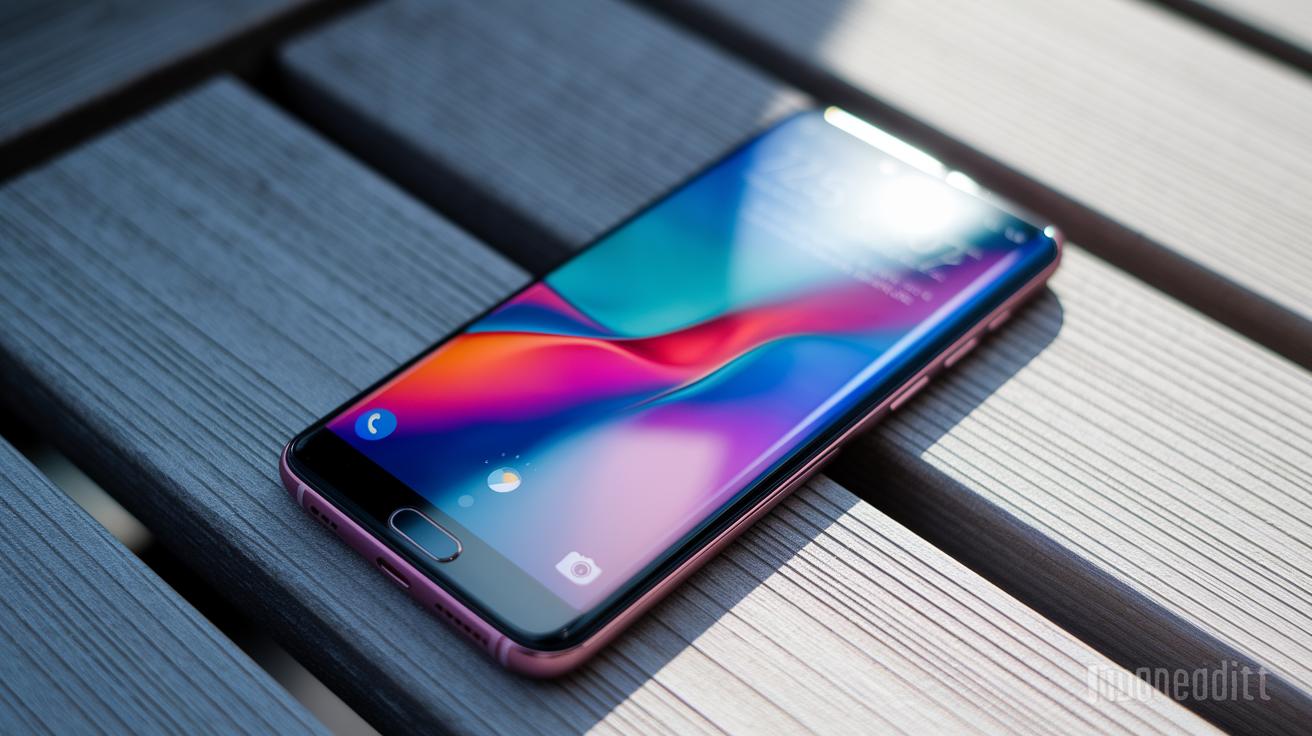
The 5.8-inch outer OLED sports a pleasantly familiar 17.4:9 aspect ratio, making it feel less like a remote control and more like a true smartphone. Swiping through Gmail, firing off texts, or summoning Maps one-handed feels natural, something most tall, skinny foldables can’t claim. Bezels are slim, brightness peaks at a comfortable 1,200 nits outdoors, and the 120 Hz refresh keeps scrolling buttery. If you routinely use your phone shut, this cover screen alone could win you over, proving that sometimes the best foldable trick is looking completely normal.
2. Dual Displays Serve Up Flagship-Level Visuals
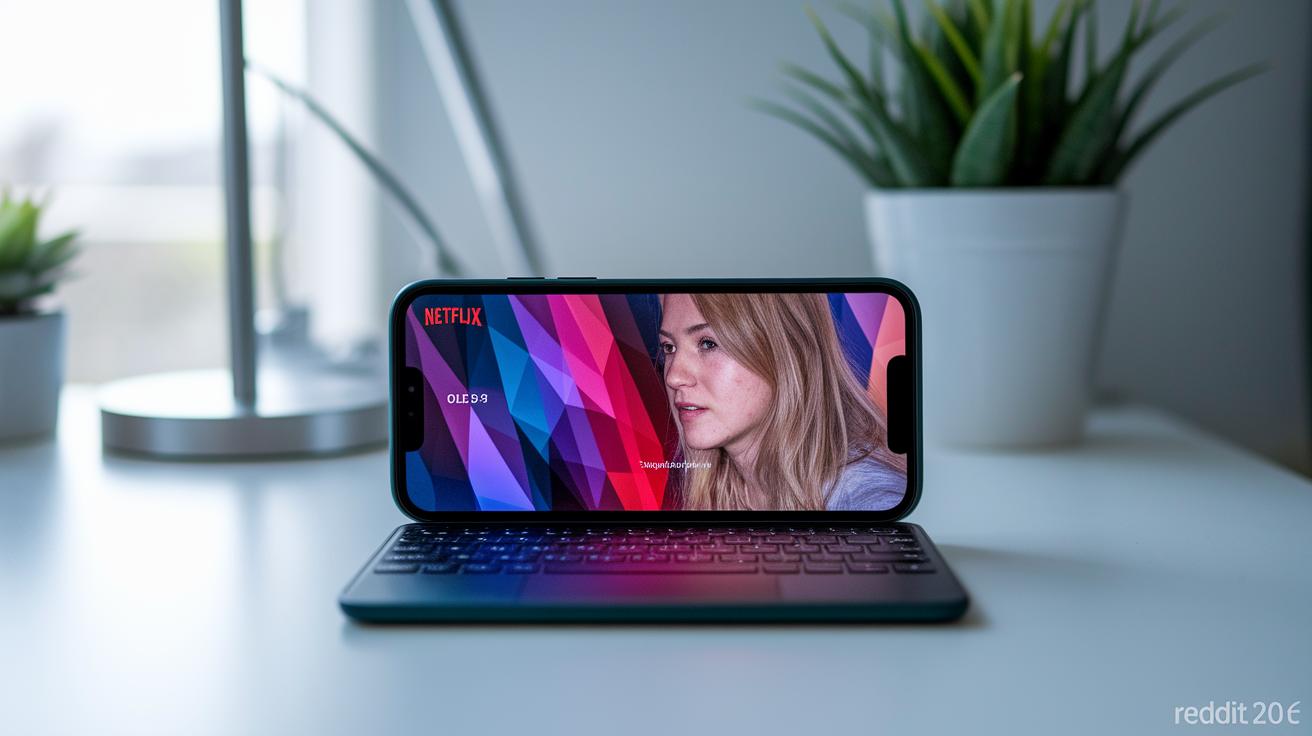
Open the Pixel Fold and a 7.6-inch inner OLED greets you with vibrant colors, deep blacks, and HDR support that makes Netflix pop. Both panels share a consistent color profile, so photos and YouTube videos look identical whether the phone is open or closed. Google’s thin UTG (ultra-thin glass) still shows a crease, but it’s subtle, far less distracting than early-gen rivals. Add in symmetrical bezels and you get an unobstructed canvas for comics, spreadsheets, or side-by-side apps.
3. Performance Is Pixel on Overdrive
Powered by the Tensor G2 chipset and 12 GB of LPDDR5 RAM, the Pixel Fold tears through tasks without breaking a sweat. Multitasking in split-screen feels instantaneous, heavy games like Genshin Impact hold 60 fps, and AI-driven features, Live Translate, Magic Eraser, fire up faster than on the Pixel 7 Pro. Thermals are surprisingly restrained; after 20 minutes of Diablo Immortal, the hinge area was warm but never toasty. If you worried the thin chassis might throttle performance, rest easy: this foldable absolutely flies.
4. Build Quality Sets a New Bar
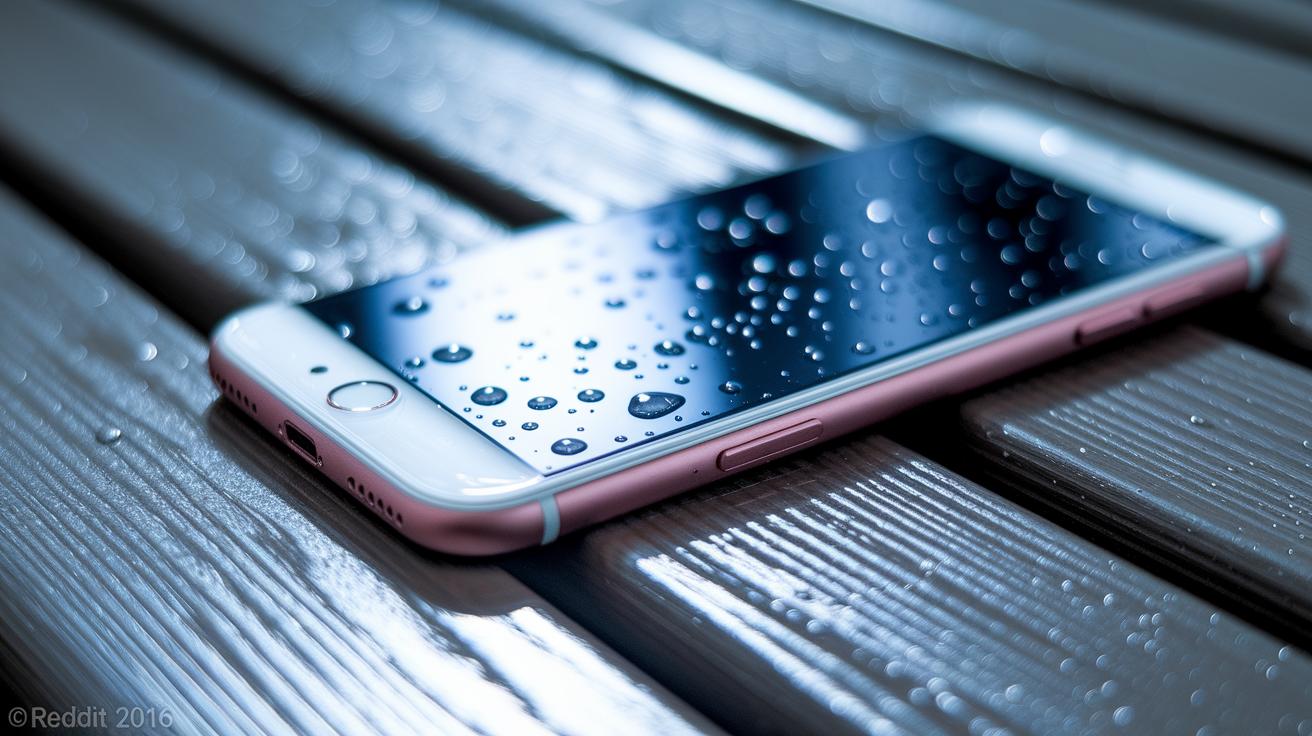
At 283 g, the Pixel Fold is hefty yet reassuring, with polished aluminum rails and Gorilla Glass Victus on the front. The hinge closes gap-free, and magnets snap the two halves shut with an expensive-sounding clap. There’s IPX8 water-resistance, a rarity in the foldable arena, and the rear camera bar doubles as a grip when opening the device. So far I’ve avoided micro-scratches despite pocketing it with keys, a testament to Google’s attention to materials.
5. One-Handed Opening Is Practically Impossible
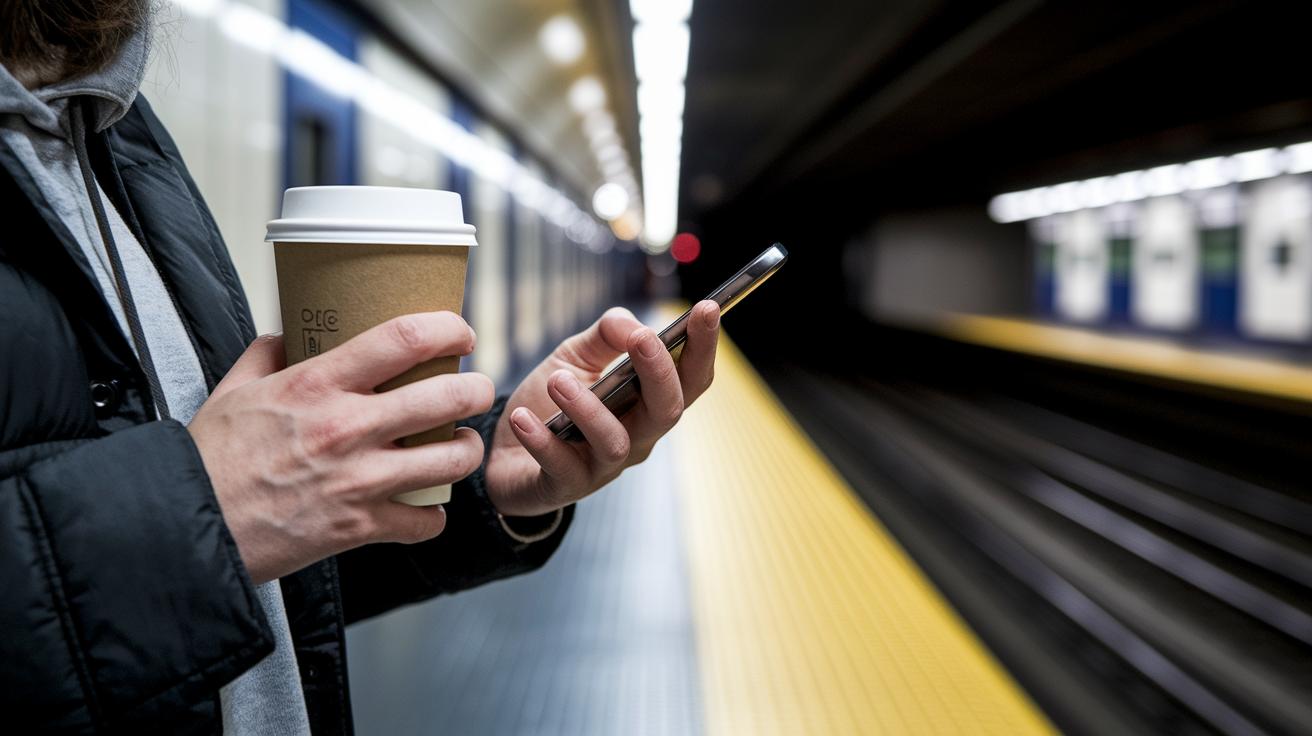
Here’s the first annoyance: that lovely hinge requires two hands and a fair bit of leverage to pry apart. The magnets that keep the phone shut are fierce, which is great for security but bad for convenience. On the subway, juggling a coffee, or pulling the phone mid-run, I ended up fumbling or giving up altogether. Samsung’s Z Fold line isn’t exactly easy, but Google’s take demands an almost comical finger contortion to crack open.
6. No Separate Inner Homescreen Layout, Why?
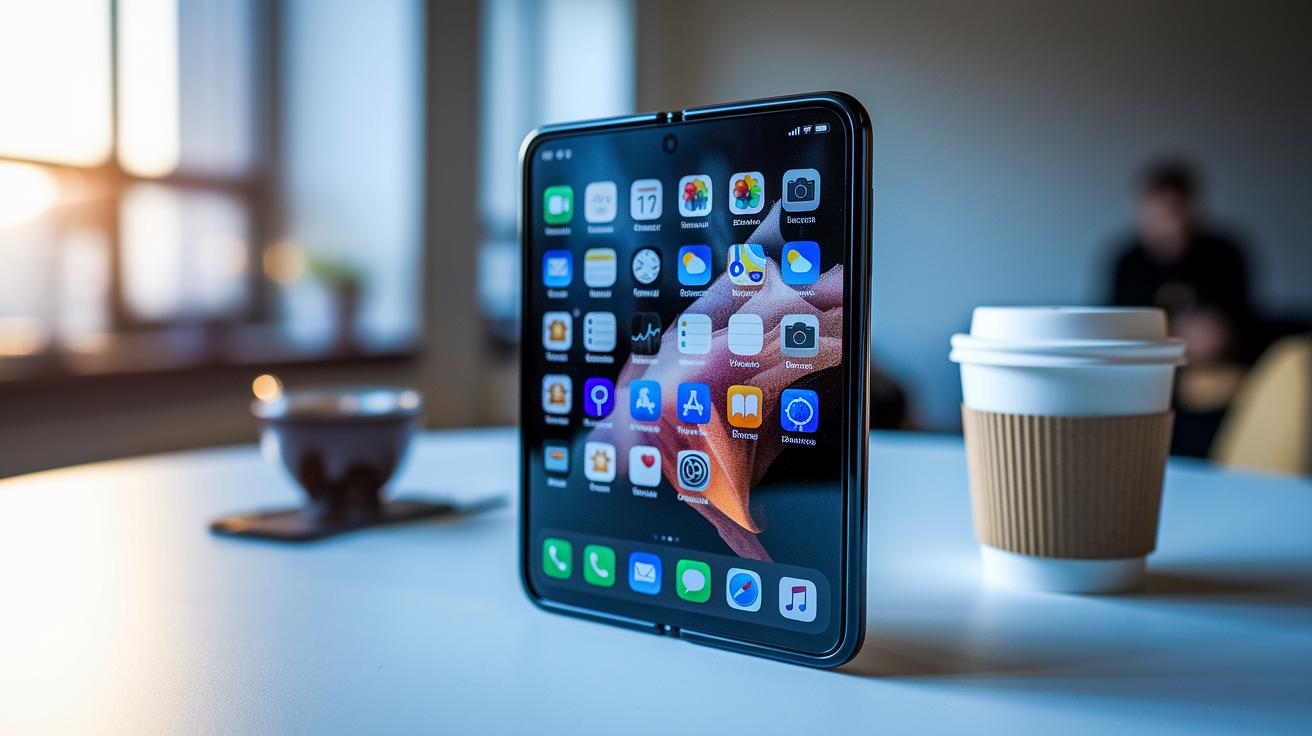
Open most foldables and you’re greeted by a tablet-style launcher grid. Not so here. Google simply stretches your outer homescreen across the inner display, icons and all. The result is wasted space and an odd, wide gap between widgets. You can manually tweak layouts, but there’s no automatic handoff like on the Z Fold’s ‘Cover Screen Mirroring.’ For a company that champions adaptive UI, this omission feels baffling, especially when Android 13L exists to solve precisely this problem.
7. Fingerprint Reader Placement Misses the Mark
The combined power button/fingerprint scanner sits high on the right rail. In closed mode it’s reachable, but open the phone and the sensor suddenly hovers beyond comfortable thumb range. I found myself awkwardly shifting grip or relying on PIN unlock. Face Unlock helps, yet it struggles in dim light. Relocating the sensor slightly lower, or embedding it under the outer display, could have saved users from a small but frequent irritant.
8. Apps Still Feel Like a Lottery Ticket
Google’s first-party apps shine: YouTube offers dual-window playback controls, and Photos transforms into a two-pane editor. Third-party options? Not so much. Instagram stubbornly refuses tablet layouts, Twitter scales awkwardly, and many games display black bars. You can force-resize apps, but aspect ratios often break UI elements. Until developers embrace adaptive designs, or Google enforces guidelines, the Pixel Fold’s expansive screen will oscillate between productivity boon and letterboxed disappointment.

